In this post, you will learn to do Error Handling and will incorporate in the Pipeline Template created in post. We consider our Pipeline to return generic Fault response with error message in all possible error scenarios.
As you know, service provider can send error to consumer in following ways:
- As a normal response, by populating fields like “ErrorNumber” and “ErrorMesssage” (assuming that these fields are defined in response message of operation in WSDL).
- As a SOAP fault
Typically when Service Bus is mediating, you might have to transform Error or Fault response to the Fault structure defined in WSDL. For this, you need to understand Message Context Variables that can be used.
As per WS-I BP, the service provider should send the HTTP response code as 200 when the error is sent as normal response and 500 should be sent when the error is sent as SOAP fault.
In message flow, Error Handler can be defined for Stage node, Pipeline Pair node (both Request Pipeline and Response Pipeline individually), Routing node and for entire Pipeline (called Service Error Handler). When HTTP response code 200 is received, Service Bus treats it as a normal response and proceeds further with message flow. When response code 500 is received, Service Bus runtime control goes to Service Error Handler if it exists or any other low level Error Handlers depending on where you received. That means Service Bus treats even Fault response as normal response when HTTP response code is 200.
Service Bus populates different message context variables with error/fault messages and is accessible in Error Handler depending on whether you used Routing or Service Callout. The following table summarizes this discussion:
|
Activity |
Scenario |
Context Variable |
|
Routing |
Raise Error activity |
$fault |
|
Routing |
Fault Response from business service |
$body |
|
Routing |
System fault while calling business service |
$fault |
|
Service Callout |
Raise Error activity |
$fault |
|
Service Callout |
Fault Response from business service |
$fault |
|
Service Callout |
System fault while calling business service |
$fault |
So there is a possibility of 3 context variables $body, $fault and $faultVar having Error or Fault information (assuming faultVar is variable used in Raise Error activity of your message flow).
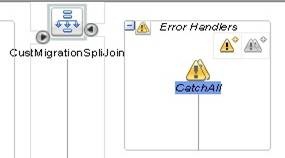
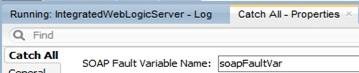
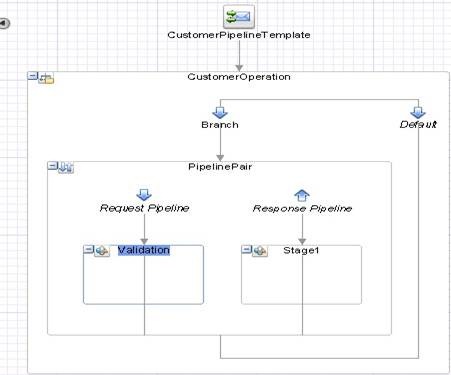
With this background, let us get back to Pipeline Template to add required Error Handler. Since your Pipeline uses both Service Callout and Routing in message flow, you can do fault handling in the following manner in Pipeline Template so that all of your concrete pipelines using this template would inherit this automatically.
- Add Service Error Handler.
- Add conditional branches in error handler to verify $body is populated with SOAP Fault, or faultVar or $fault is populated. Based on this, you have to extract Error Code and Error Message from $body, $faultVar and $fault variables.
- Populate $body variable with the Fault structure as defined in WSDL.
Changes in CustomerPipelineTemplate:
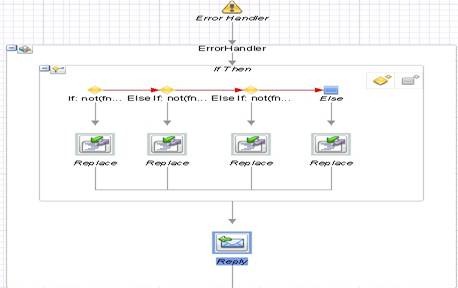
Drag If-Then activity into ErrorHandler stage from Flow Control and add 3 conditional branches (Else If branch) as shown below.

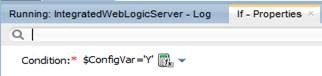
In Properties tab, set Condition for all branches in Expression Builder as shown below. Remember adding the namespace http://www.bea.com/wli/sb/stages/transform/config with con1 as alias in Namespaces.
|
Branch |
Condition |
Purpose |
|
If |
not(fn:empty($body/soap-env:Fault)) |
To handle fault received in Routing. |
|
Else If |
not(fn:empty($faultVar)) |
To handle error response from given in Raise Error activity. |
|
Else If |
not(fn:empty($fault/ctx:details/con1:ReceivedFaultDetail)) |
To handle fault received in Service Callout or Raise Error cases. |
|
Else |
-NA- |
All other cases. |
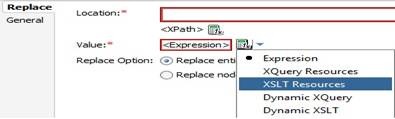
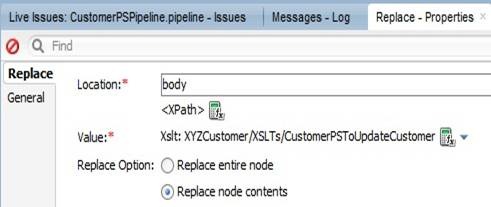
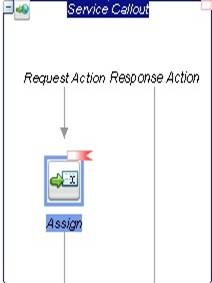
Drag Replace activity from Message Processing into each of these branches and set properties as shown below.

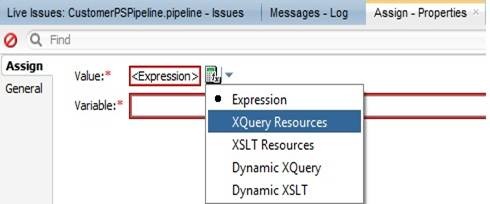
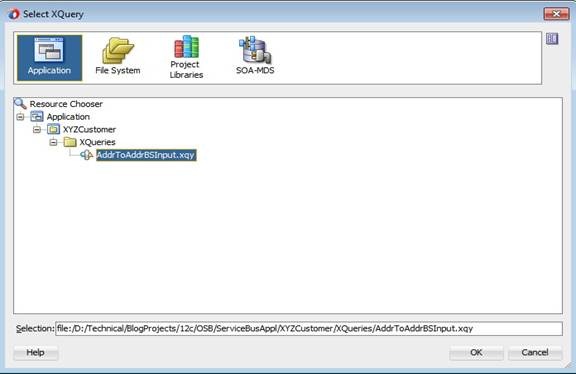
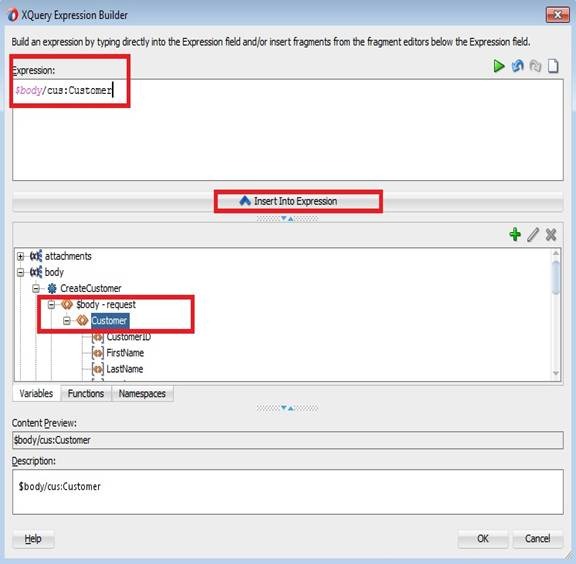
Set expression in Expression Builder with following SOAP Fault structure for Replace activity in If branch. Here you are extracting Error Code and Error Message from received SOAP fault received in Routing. This way you are forwarding the actual error from Service Provider to Consumer.
<soap-env:Fault>
<faultcode>env:Server</faultcode>
<faultstring>{$body/soap-env:Fault/faultstring/text()}</faultstring>
<detail>
<cust:ErrorStatusMsg xmlns:cust="http://xmlns.xyzbank.com/schema/Customer">
<ErrorCode>{$body/soap-env:Fault/faultcode/text()}</ErrorCode>
<ErrorMsg>{$body/soap-env:Fault/faultstring/text()}</ErrorMsg>
</cust:ErrorStatusMsg>
</detail>
</soap-env:Fault>
Set expression in Expression Builder with following SOAP Fault structure for Replace activity in Else If branch. Here you are extracting Error Code and Error Message used in Raise Error activity. Observe the usage of $fault variable to get error code given in RaiseError activity. This way you are forwarding the error message used in Raise Error activity to Consumer.
<soap-env:Fault>
<faultcode>env:Server</faultcode>
<faultstring>{$faultVar/error_message/text()}</faultstring>
<detail>
<cust:ErrorStatusMsg xmlns:cust="http://xmlns.xyzbank.com/schema/Customer">
<ErrorCode>{$fault/ctx:errorCode/text()}</ErrorCode>
<ErrorMsg>{$faultVar/error_message/text()}</ErrorMsg>
</cust:ErrorStatusMsg>
</detail>
</soap-env:Fault>
Set expression in Expression Builder with following SOAP Fault structure for Replace activity in second Else If branch. Here you are extracting Error Code and Error Message from SOAP Fault received in Service Callout. This way you are forwarding actual error from Service Provider to Consumer.
<soap-env:Fault>
<faultcode>env:Server</faultcode>
<faultstring>{$fault/ctx:reason/text()}</faultstring>
<detail>
<cust:ErrorStatusMsg xmlns:cust="http://xmlns.xyzbank.com/schema/Customer">
<ErrorCode>{$fault/ctx:details/con1:ReceivedFaultDetail/con1:faultcode/text()}</ErrorCode>
<ErrorMsg>{$fault/ctx:details/con1:ReceivedFaultDetail/con1:faultstring/text()}</ErrorMsg>
</cust:ErrorStatusMsg>
</detail>
</soap-env:Fault>
Set expression in Expression Builder with following SOAP fault structure for Replace activity in Else branch. Here you are extracting Error Code and Error Message from $fault to take care of other possible error scenarios.
<soap-env:Fault>
<faultcode>env:Server</faultcode>
<faultstring>{$fault/ctx:reason/text()}</faultstring>
<detail>
<cust:ErrorStatusMsg xmlns:cust="http://xmlns.xyzbank.com/schema/Customer">
<ErrorCode>{$fault/ctx:errorCode/text()}</ErrorCode>
<ErrorMsg>{$fault/ctx:reason/text()}</ErrorMsg>
</cust:ErrorStatusMsg>
</detail>
</soap-env:Fault>
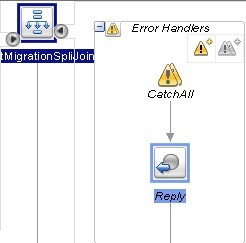
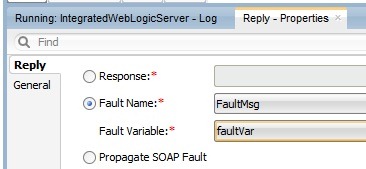
Now drag Reply activity into ErrorHandler stage from Flow Control after If-then. In Properties tab, select property as With Failure. This would send HTTP response code as 500 along with SOAP fault. Selecting With Success will send HTTP response code as 200.

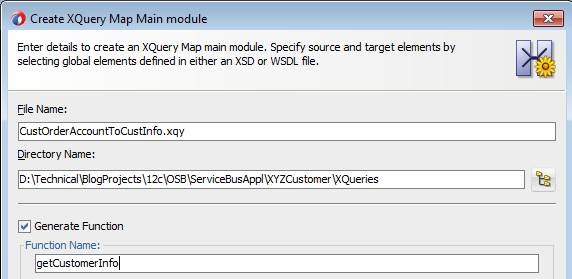
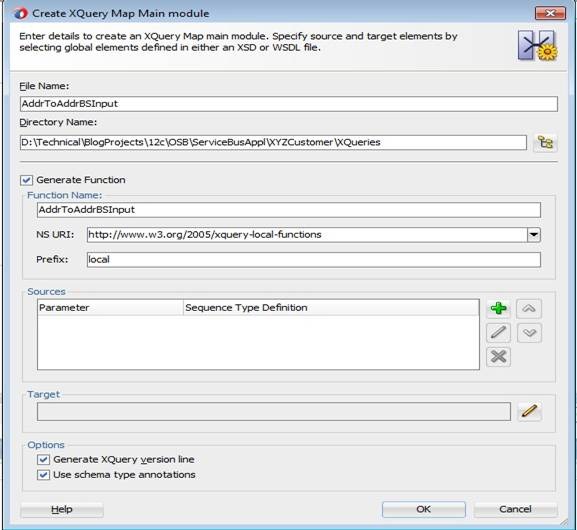
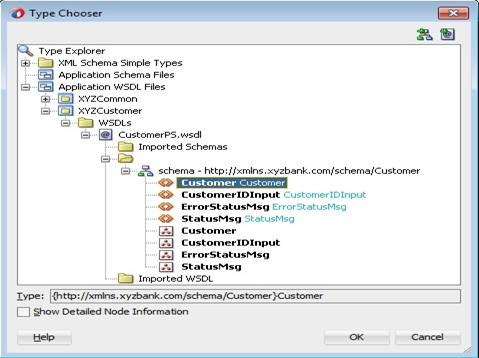
Alternatively, you can come up with a XQuery map accepting these parameters and return appropriate SOAP fault structure. Now your ErrorHandler stage should look like below.
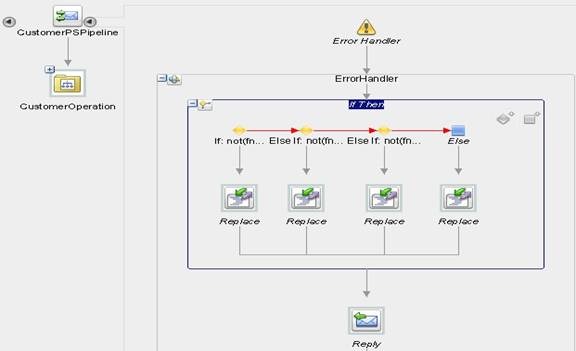
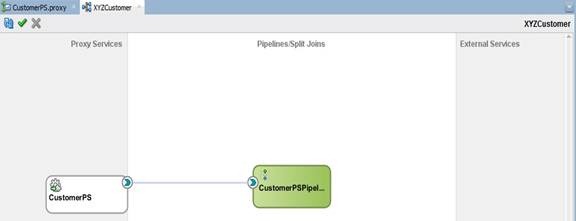
Observe that the Proxy Service you created using this Pipeline Template in this post had inherited ErrorHandler stage as shown below.
Some times, you may want to give your specific messages or override the messages from Service Provider. You can make all this kind of changes in your Error Handler and also typically one would want to convert System Errors into generic Application Error before sending to Proxy Service consumer. You can find more about details element in $fault variable here.
Testing:
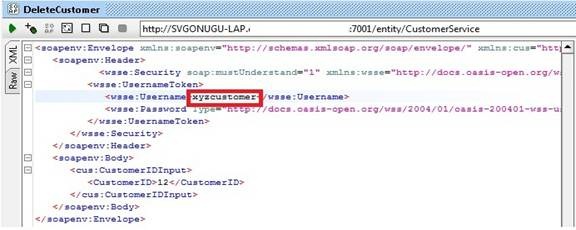
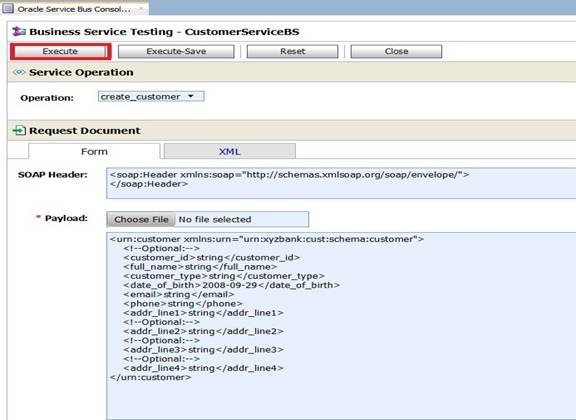
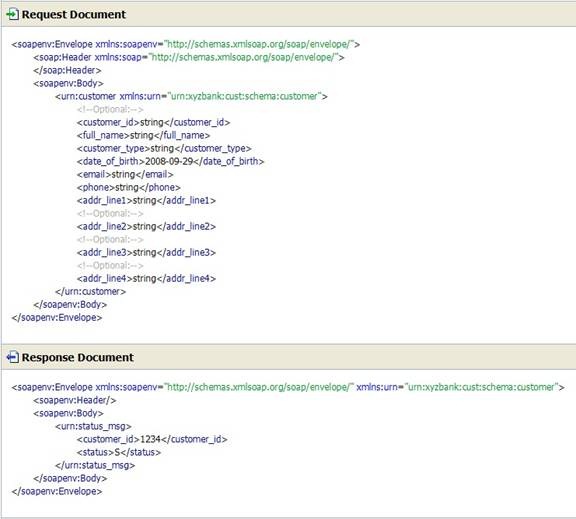
Run your Pipeline and observe Flow Trace and Variables as shown below. Observe that the Error response from your Pipeline always contains a SOAP Fault conforming to WSDL.
Following are a few of the screenshots showing different Fault responses for both Routing and Service Callout in different error scenarios.
System Error in Routing:

Error Response received in Routing:

Fault Response received in Routing:

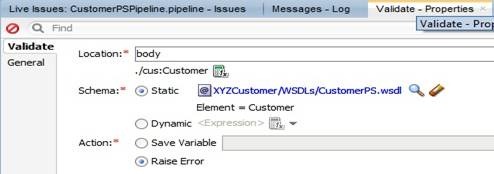
Validate activity failure Error:
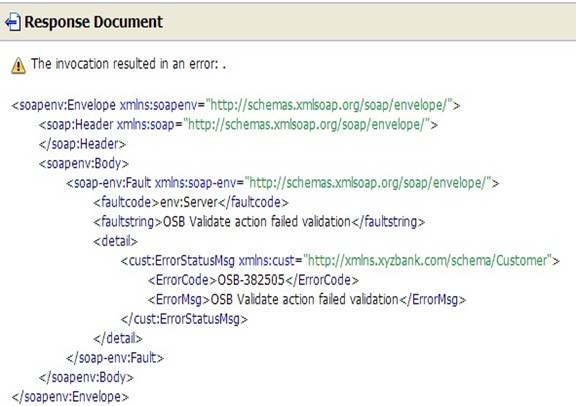
System Error received in Service Callout:

Error Response received in Service Callout:

Fault Response received in Service Callout:
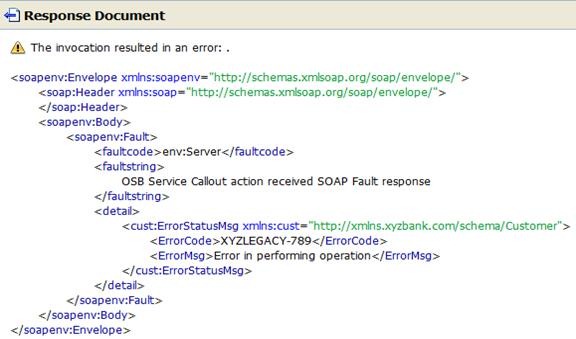



























![clip_image008[4]](https://svgonugu.com/wp-content/uploads/2014/10/clip_image00841.jpg "clip_image008[4]")
![clip_image002[4]_thumb[2]](https://svgonugu.com/wp-content/uploads/2014/10/clip_image0024_thumb2.jpg "clip_image002[4]_thumb[2]")









![clip_image002[4]](https://svgonugu.com/wp-content/uploads/2014/10/clip_image0024.jpg "clip_image002[4]")












![clip_image002[8]](https://svgonugu.com/wp-content/uploads/2014/10/clip_image0028.jpg "clip_image002[8]")
























 Siva's Blog